¶ Customizing My Account
My Account s located in the top right corner of the Diri application:
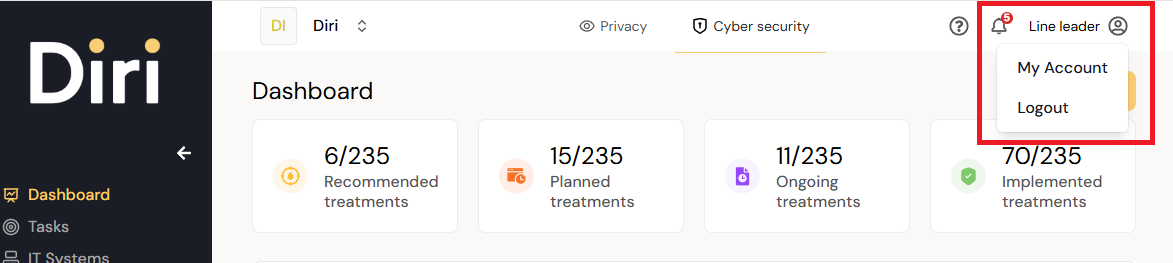
Clicking the My account option will open the My Account page which has two primary customizable settings:
¶ Settings for user profile
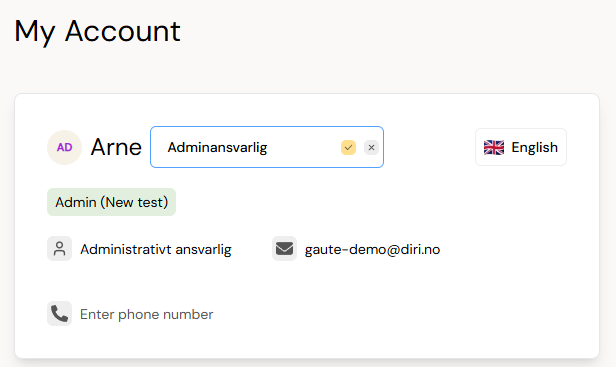
All the fields in the above picture of My Account are clickable and customizable. Available language
¶ Notifications
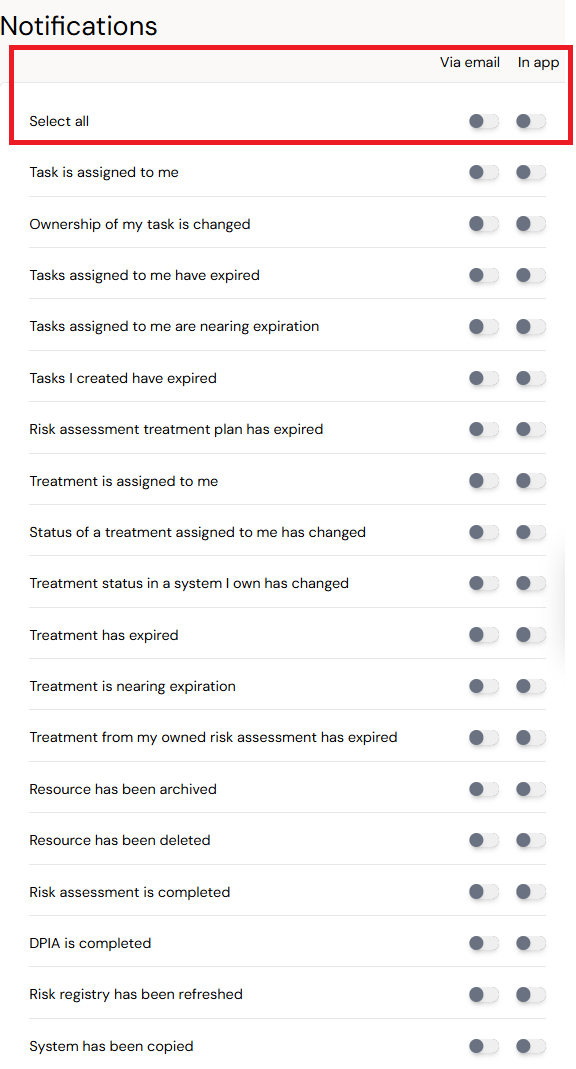
The notifications have two options:
- Via email - sends an email
- In app - adds a red notification to the bell icon in the top right corner (illustrated in the top right corner).
Diri sends reminders on risk assigned treatments, treatment plans, and risk assessment expiration. The email is sent from noreply@diri.no. The settings are available in "My account," be careful to configure which emails you wish to receive.
¶ Changing your password
To change your password, go to my user, security settings, and click change password. The password requirements are illustrated below.
